Login
Login



































 Process files up to 2GB
 Register Free & Get
 PDF To CDR
Convert PDF to CDR online instantly with secure processing and fast CorelDRAW compatible output.


Scan the QR Code to upload a file
Drag and Drop / Paste (Ctrl+V)
Files Supported: pdf
Scan the QR Code to upload a file


We prioritize your privacy and never share your data. Learn more in our Privacy Policy.
Related Converters




How To Use PDF to CDR Converter Online
Complete your task in just a few simple steps.
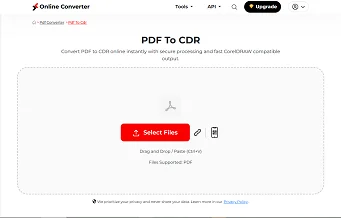
Upload Your File
Upload PDF files from device, cloud, or drag and drop.
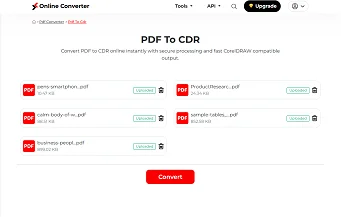
Start the Process
Click convert to CDR and begin automatic file processing.
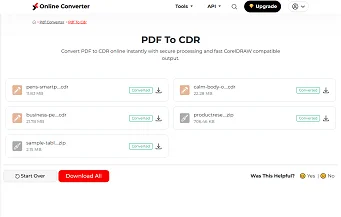
Preview or Download
Download the generated CDR file ready for CorelDRAW editing.
Key Features Of Our PDF to CDR Converter
Convert PDF to CDR with accurate formatting, fast online processing, and secure file handling designed for seamless CorelDRAW editing workflows.

Accurate PDF to CDR Conversion
Our PDF to CDR converter preserves layout, vector elements, and text structure to create an editable CDR file suitable for professional CorelDRAW projects.

Smart Vector Detection
Convert PDF to CDR with intelligent recognition that maintains curves, shapes, and layers for smooth editing inside coreldraw and corel draw software.

Fast Online Processing
This pdf to cdr converter online processes files quickly, reducing waiting time and helping you convert pdf to cdr file without workflow interruptions.

Secure File Handling
Your files are encrypted during upload and automatically removed after processing, ensuring safe and private pdf to cdr file conversion.

No Installation Required
Convert pdf to corel draw directly in your browser without installing heavy software or plugins. Access your cdr converter anytime online.
Cross Device Compatibility
Use this pdf to cdr converter online free on desktop, tablet, or mobile browser with consistent performance and reliable CDR file output.