 Login
Login






































 Process files up to 2GB
 Register Free & Get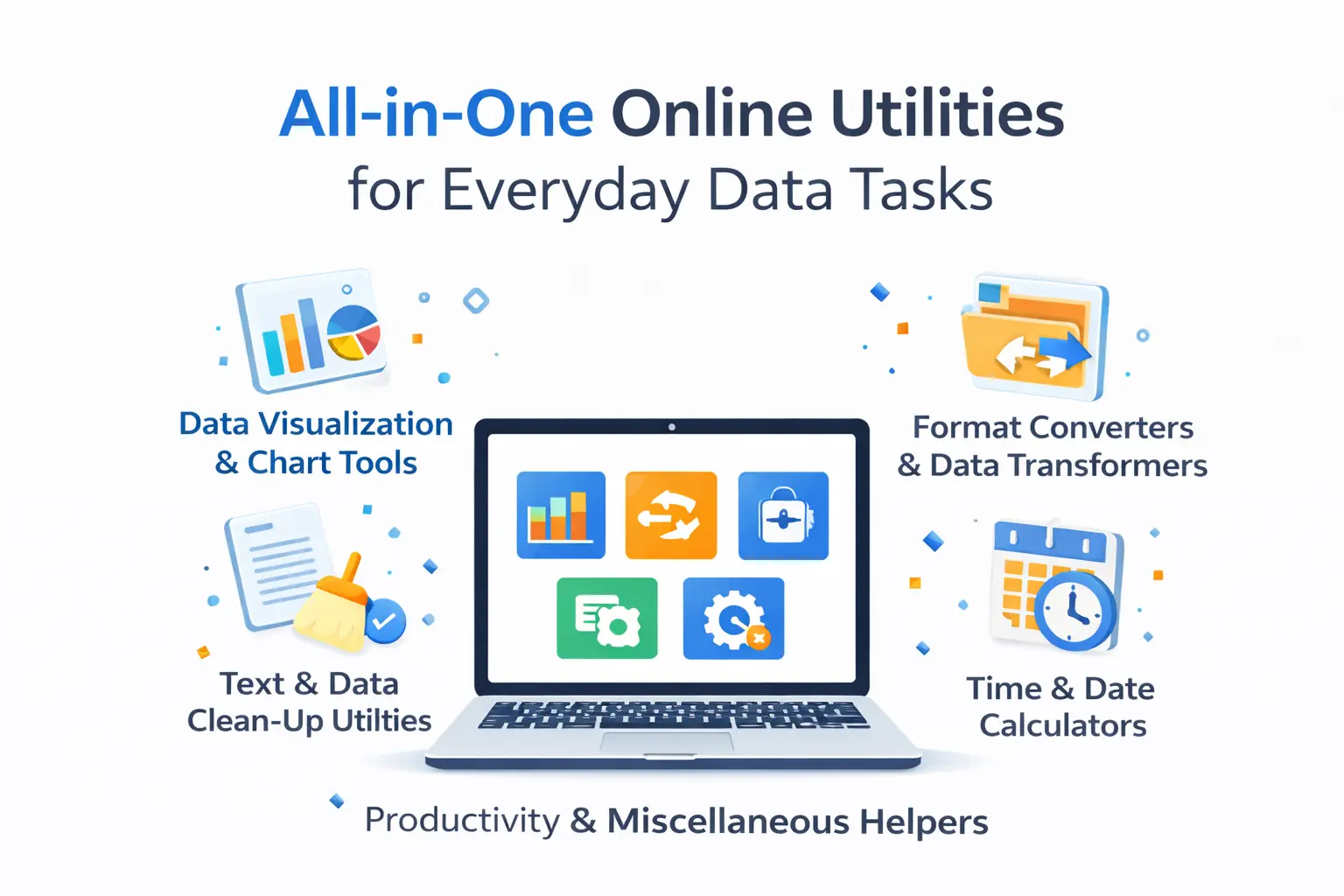
All-in-One Online Utilities for Everyday Data Tasks
In day-to-day life, we collect lots of important data all the time. You might track expenses, prepare a school project, clean up a list of emails, or make a quick chart for a meeting. Instead of opening a heavy software suite, a set of focused online utilities gets the job done fast. Below, we have discussed practical tools you can use right away and show simple ways each one helps.
📊 Data Visualization & Chart Tools
Good visuals turn numbers into clear stories. These online tools let anyone build a chart without learning complex software.
Online Pie Chart Generator
A pie chart generator is a very great everyday tool that helps you visually show how different parts add up to 100 percent. Means you can easily see how each individual share contributes to the total. The working of this generator is very simple. Just enter your labels and values, pick colors, and the tool draws the chart right away. You can use it for budgets, survey results, or to show time spent on tasks. This tool also lets you export the file so that you can easily save the image or embed it into a slide.
Column Chart Builder
Column charts compare values side by side. They work for monthly sales or test scores. With this column chart builder, you can paste your values, set axis labels, and adjust the scale. The result gives a clear view of which items lead and which lag.
Area Chart Maker
Area charts show trends over time and emphasize volume. Use them when you want to track growth, like website visits across months. The online area chart makers let you upload a CSV or type values and preview how the trend looks before you download it.
🔄 Format Converters & Data Transformers
Files and data come in different formats. These tools help you switch formats quickly so that other tools can read your data easily.
Document Converters
Let’s say you receive a file from your client, and the problem is that it’s not opening in your system. So, here documents converters come in. These converters convert that file into a common format that can be opened easily on almost every device. Most common ones are listed below:
PDF to Word
PDF is a file format that we have to deal with every day, but you can not edit it easily. To cope with this problem, you can use an online PDF to Word converter. This tool extracts all the data contained in the PDF file and turns it into an editable and searchable Word format. This way, you can easily make changes based on your needs.
Word to Text
When you want to share text information with others without any formatting, you can use the Word to text converter for this purpose. By using this converter, you can easily get all the text in plain text that you can share with your clients.
PDF to Image
This tool really helps when you want to show the photos in PDF files. The converter instantly converts all the pages of your PDF into photos that you can easily share on social media or in chat, where PDFs normally struggle to open.
Text Case Transformers
Names and titles often arrive in mixed case. Text case tools convert text to uppercase, lowercase, title case, or sentence case. Use them to standardize columns of names or headings before you import data into a system.
Number Format Transformers
Numbers appear in different styles. A number format tool converts decimals to percentages, formats currency, or rounds values for reports. This way, you can keep the numbers consistent across different tables and charts.
🧰 Text & Data Clean-Up Utilities
Analysis with clean data is easy and predictable. These utilities fix common problems fast. Word/character counter, text splitter, whitespace cleanup, emoji remover, and formatter assist in cleaning text files and CSVs. Case converter also assists in cleaning up CSVs. For example, remove duplicate email addresses before sending a newsletter.
Use a whitespace cleanup to avoid hidden errors caused by extra spaces. In case a field has more than one value that is separated by commas, a text splitter can convert that field into either rows or columns. These minor fixes help to eliminate errors and save your valuable time.
📆 Time & Date Calculators
Time calculations often confuse people. So, the following tools help them plan schedules easily:
Date Difference Calculator
Find the days between two dates or add days to a start date. This is useful for deadlines, project timelines, or planning trips.
Time Zone Converter
If you work with people in other places, a time zone converter shows matching times instantly, so you avoid scheduling errors.
Age Calculator
Quickly calculate age from a birthdate. Use it for forms, registrations, or planning events.
These calculators save time for students, planners, and anyone struggling with dates across zones.
📑 Productivity & Miscellaneous Helpers
This category covers tools that do one thing well and pop up in many workflows.
QR/Barcode Generator
Turn a link, text, or contact into a QR code. People scan it with a phone to open a link or save contact details. A barcode generator helps when labeling products or tracking inventory.
URL Shortener
Long links break in messages. To help make the long links turn into short ones, you can use a URL shortener. This way, you can easily convert a long link into a smaller one, which becomes easy to share with anyone.
Plagiarism Checker
If you write or edit content, a plagiarism checker shows whether text matches material online. Use it to keep content original or to verify source material.
Practical Tips for Everyday Use
Start with small steps. When you work with a spreadsheet, first run a duplicate remover and a whitespace cleanup. Next, standardize names with a Text Case Transformer. If you plan to show results, choose the right chart: use a pie chart for parts of a whole and a column chart to compare items. When you share documents, convert them to a widely supported format first.
Key Takeaways
Online utilities let you solve common data tasks without extra software. They speed up work, reduce errors, and help you focus on the meaning behind the numbers. Keep a few of these tools in your bookmarks. When you need a quick visual, remember the pie chart creator. When you need clean data, use the cleanup utilities. With all of these utilities, your everyday data tasks become really easy to complete.